

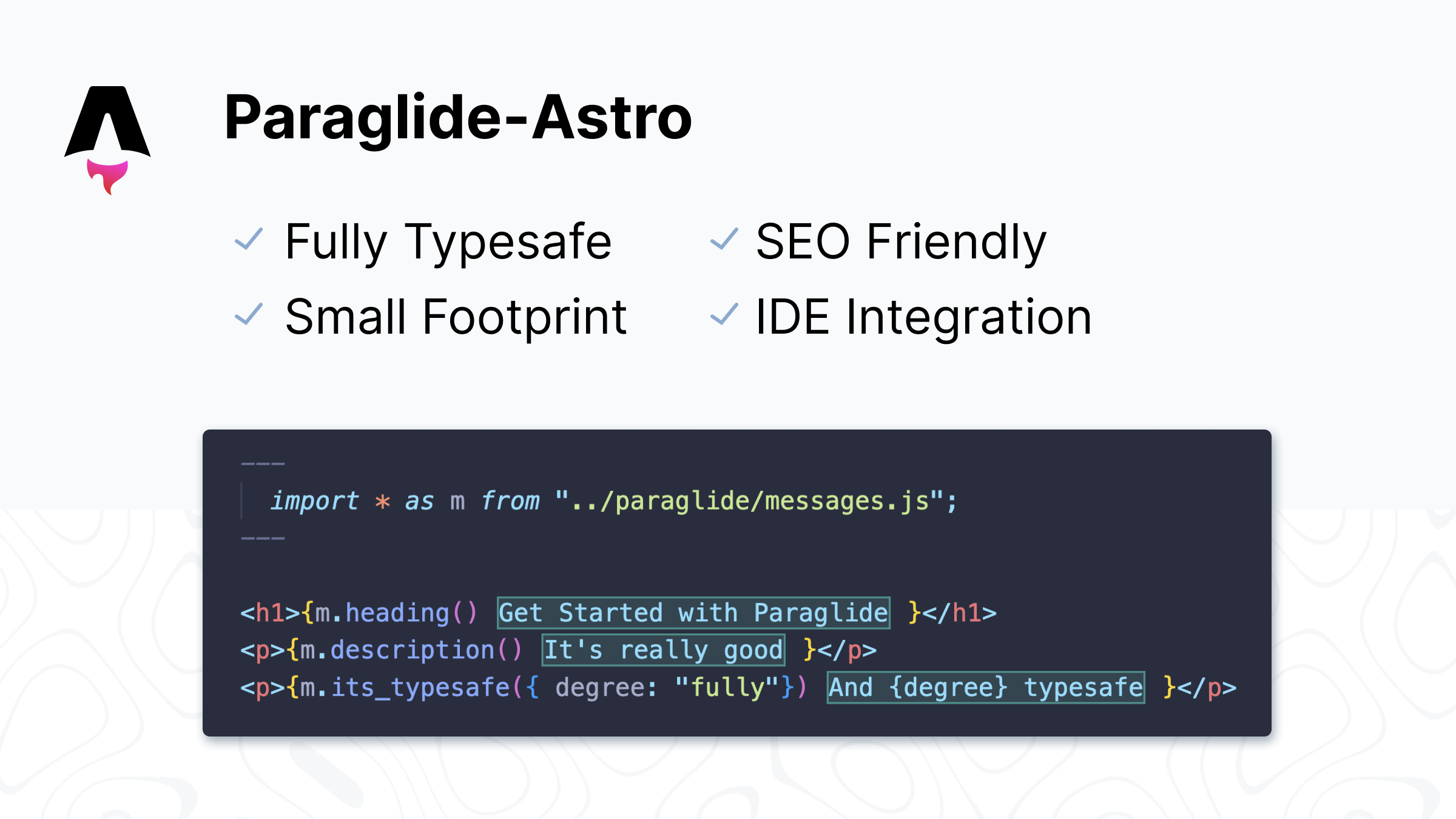
This example demonstrates how to use Paraglide JS with Astro in SSR mode. The source code can be found here.
| Feature | Supported |
|---|---|
| CSR | ✅ |
| SSR | ✅ |
| SSG | ❌ |
| URLPattern | ✅ |
| Any Strategy | ✅ |
Setup
1. If you have not initialized Paraglide JS yet, run:
npx @inlang/paraglide-js@latest init
2. Add the vite plugin to the astro.config.mjs file and set output to server:
import { defineConfig } from "astro/config";
+import { paraglideVitePlugin } from "@inlang/paraglide-js";
+import node from "@astrojs/node";

export default defineConfig({
  // ... other
+	vite: {
+		plugins: [
+			paraglideVitePlugin({
+				project: "./project.inlang",
+				outdir: "./src/paraglide",
+			}),
+		],
	},
+  output: "server",
+  adapter: node({ mode: "standalone" }),
});
3. Create or add the paraglide js server middleware to the src/middleware.ts file:
import { paraglideMiddleware } from "./paraglide/server.js";

export const onRequest = defineMiddleware((context, next) => {
+	return paraglideMiddleware(context.request, () => next());
});
You can read more about about Astro's middleware here.
Usage
See the basics documentation for more information on how to use Paraglide's messages, parameters, and locale management.
Disabling AsyncLocalStorage in serverless environments
You can disable async local storage in serverless environments by using the disableAsyncLocalStorage option.
	vite: {
		plugins: [
			paraglideVitePlugin({
				project: "./project.inlang",
				outdir: "./src/paraglide",
+				disableAsyncLocalStorage: true,
			}),
		],
	},